For years, businesses have been using virtual assistants to manage schedules, coordinate communication, and handle administrative work. Simultaneously, the arrival of AI in the workplace has introduced a new breed of tools that can participate in workflows, perform tasks, and enable execution across systems.
This resulted in many teams asking a simple question: at what point does a virtual assistant end and an AI co-worker start?
In this article, we’ll explore the scope of both, how they fit into day-to-day operations, and where each brings value inside a modern business.
What Are Virtual Assistants and AI Co-workers?
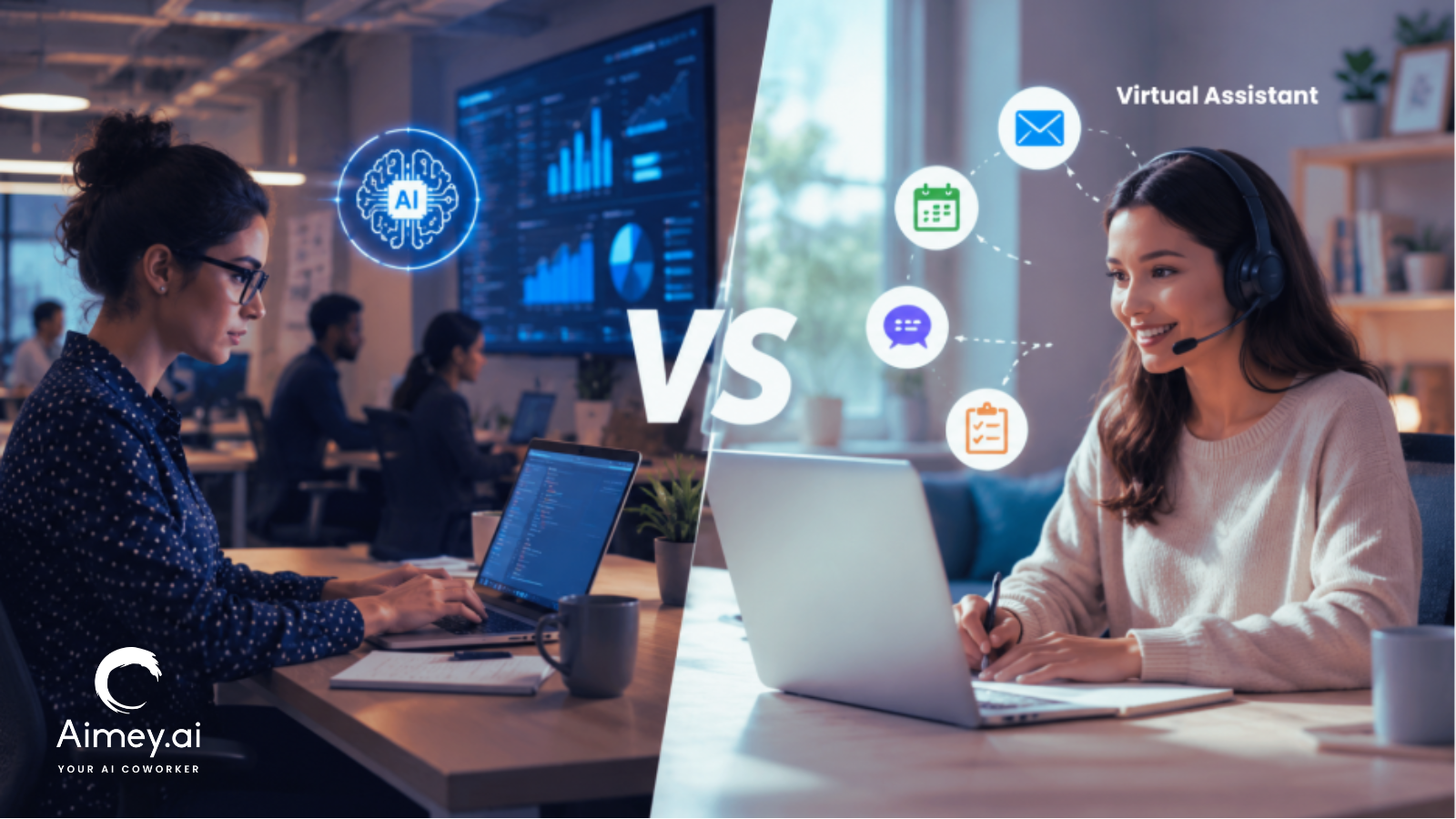
Virtual assistants and AI co-workers share the load of operational work but in different ways. One provides a human helping hand with administrative and coordination work. The other supports workflows with automation and system connectivity.
What Is a Virtual Assistant?
A Virtual Assistant is a remote worker who assists organizations with mundane work, including scheduling, inbox management, client communication, data input, and administrative coordination. Virtual assistants also manage problems that demand judgment, prioritization, and direct engagement with people.
For instance, a virtual assistant may organize executives’ schedules, handle conversations with clients, or plan travel.
What Is an AI Co-worker?
An AI co-worker helps teams keep on top of tasks after the discussion. It can take notes from meetings, track action items, send reminders, and keep information structured across tools and systems.
For example, an AI co-worker can prepare a summary of a project meeting, describe the next steps, assign responsibilities, and make sure that all the people involved are on the same page with the actions to be taken.
Here’s the simplest way to think about it: a virtual assistant helps people stay organized; an AI co-worker helps workflows keep structured.
AI Co-worker vs Virtual Assistant: Side-by-Side Comparison
Virtual assistants and AI co-workers both help teams stay organized and productive. The difference lies in the type of work they support and how they operate within the business.
| Area | Virtual Assistant | AI Co-worker |
| Primary Role | Handles assigned tasks | Owns workflow execution |
| Operating Style | Reactive | Proactive |
| Context Awareness | Limited to the current request | Understands projects, history, and dependencies |
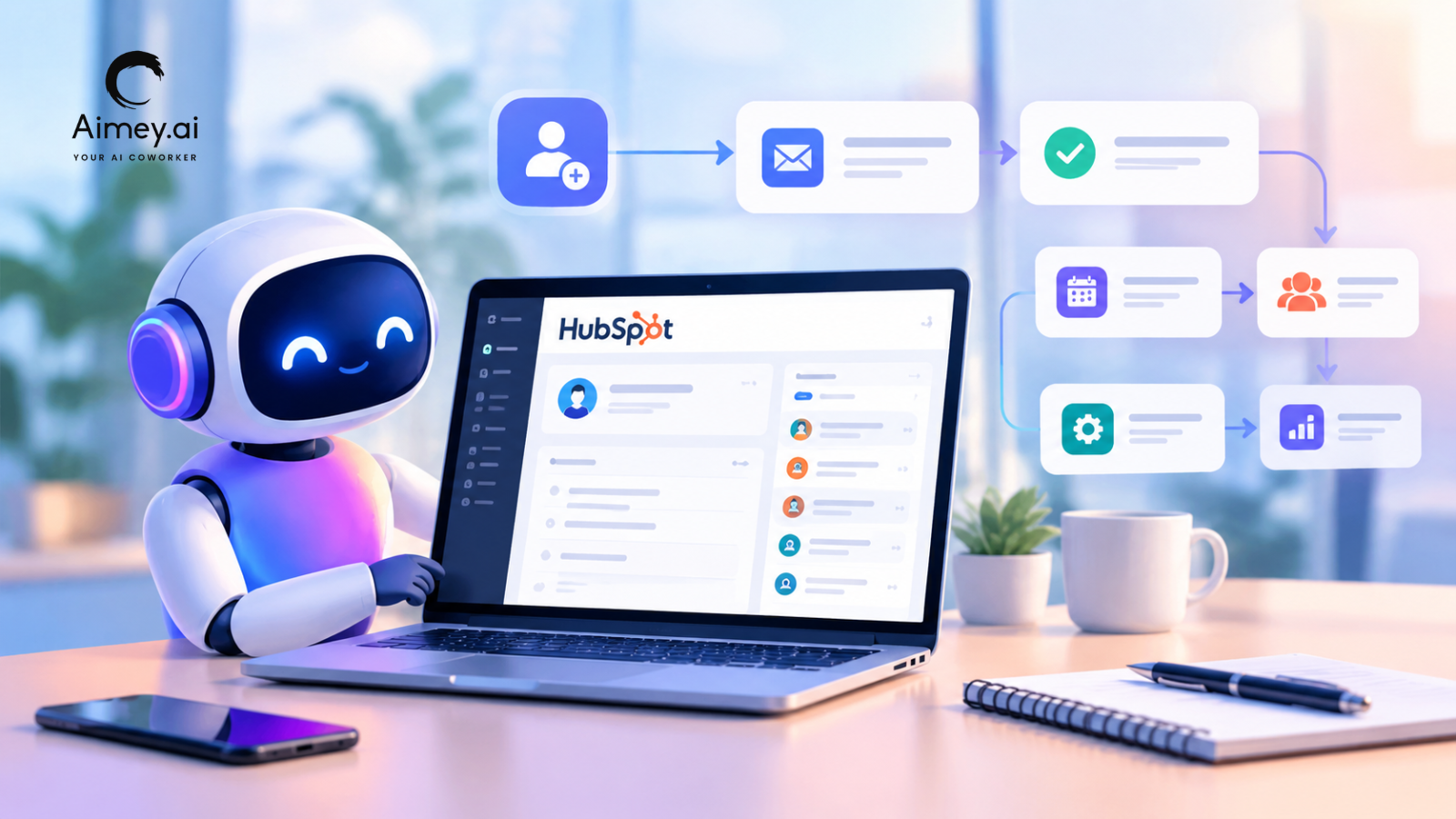
| Workflow Integration | Human-led coordination | Connects email, calendar, CRM, tasks, and documents |
| Decision Support | Limited | Suggests priorities and next steps |
| Visibility | Manual updates | Progress tracking and execution visibility |
| Availability | Working hours | 24/7 |
| Scalability | Requires more hires | Scales across teams |
| Human Judgment | High | Limited |
| Best For | Administrative support | Team and operational productivity |
Where Virtual Assistants Still Add More Value
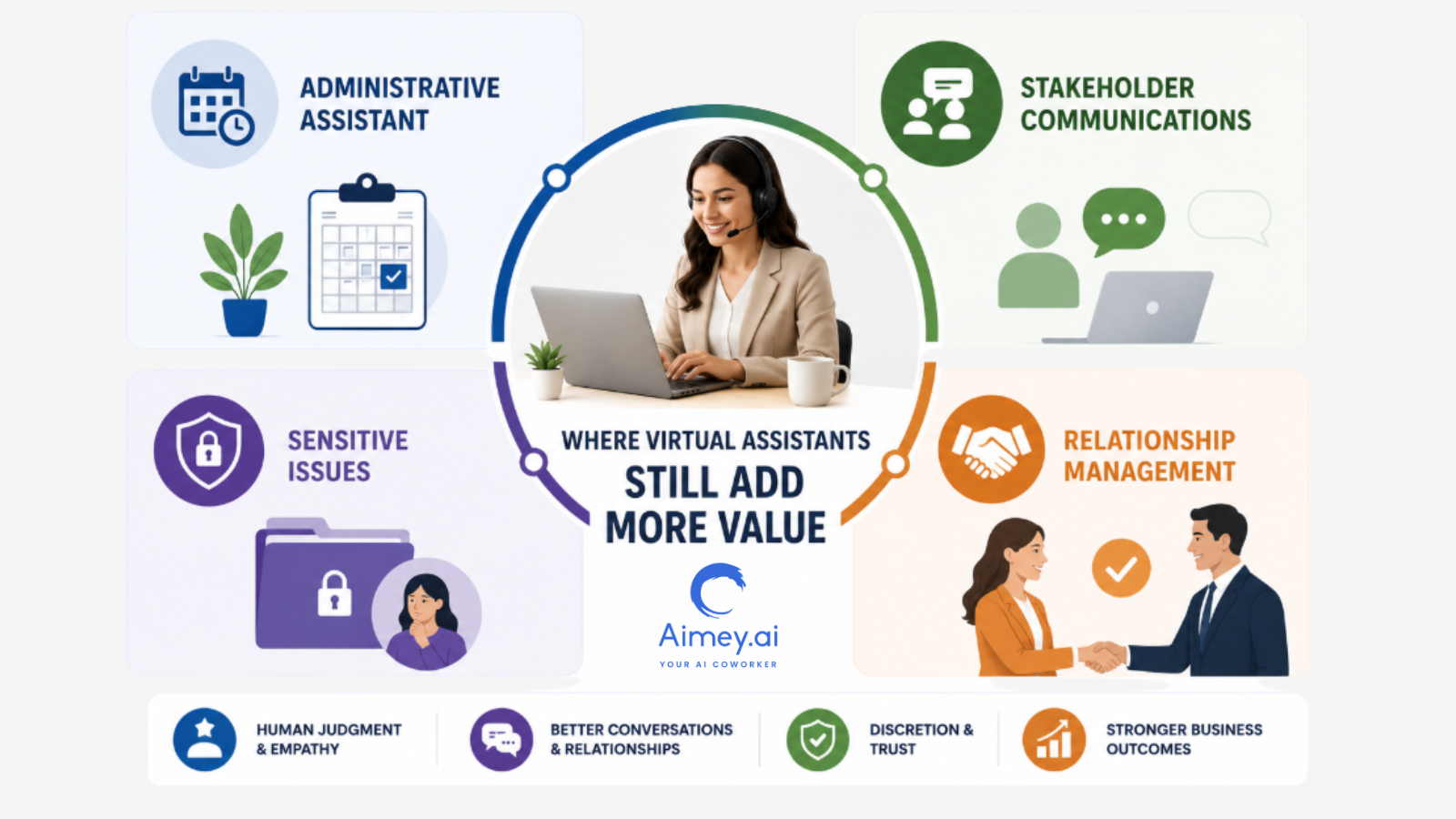
AI can take a lot of routine work off a team’s plate, but there are still some responsibilities that need a person behind them. Virtual assistants often make more sense when the work involves judgement, conversations, or managing relationships.
Here are some examples:
1. Administrative Assistant
Most leaders don’t have two days that look the same. Priorities change, meetings get rescheduled, and urgent requests appear out of nowhere. A virtual assistant can help keep everything on track and manage the coordination that comes with a busy schedule.
2. Stakeholder Communications
There are some conversations that require more than a template response. Whether it is a client, vendor, or senior leader. Virtual assistants can read the room, adjust their tone, and talk appropriately.
3. Sensitive Issues
Discretion and good judgment are often needed on issues involving employees, confidential information, or internal challenges. In these situations, there is not always a process, and this is why human involvement is important.
4. Relationship Management
Consistent communication and follow-through are critical in building strong business relationships. Virtual assistants often maintain those relationships by talking to clients, partners, and internal stakeholders.
Where AI Co-workers Deliver More Value
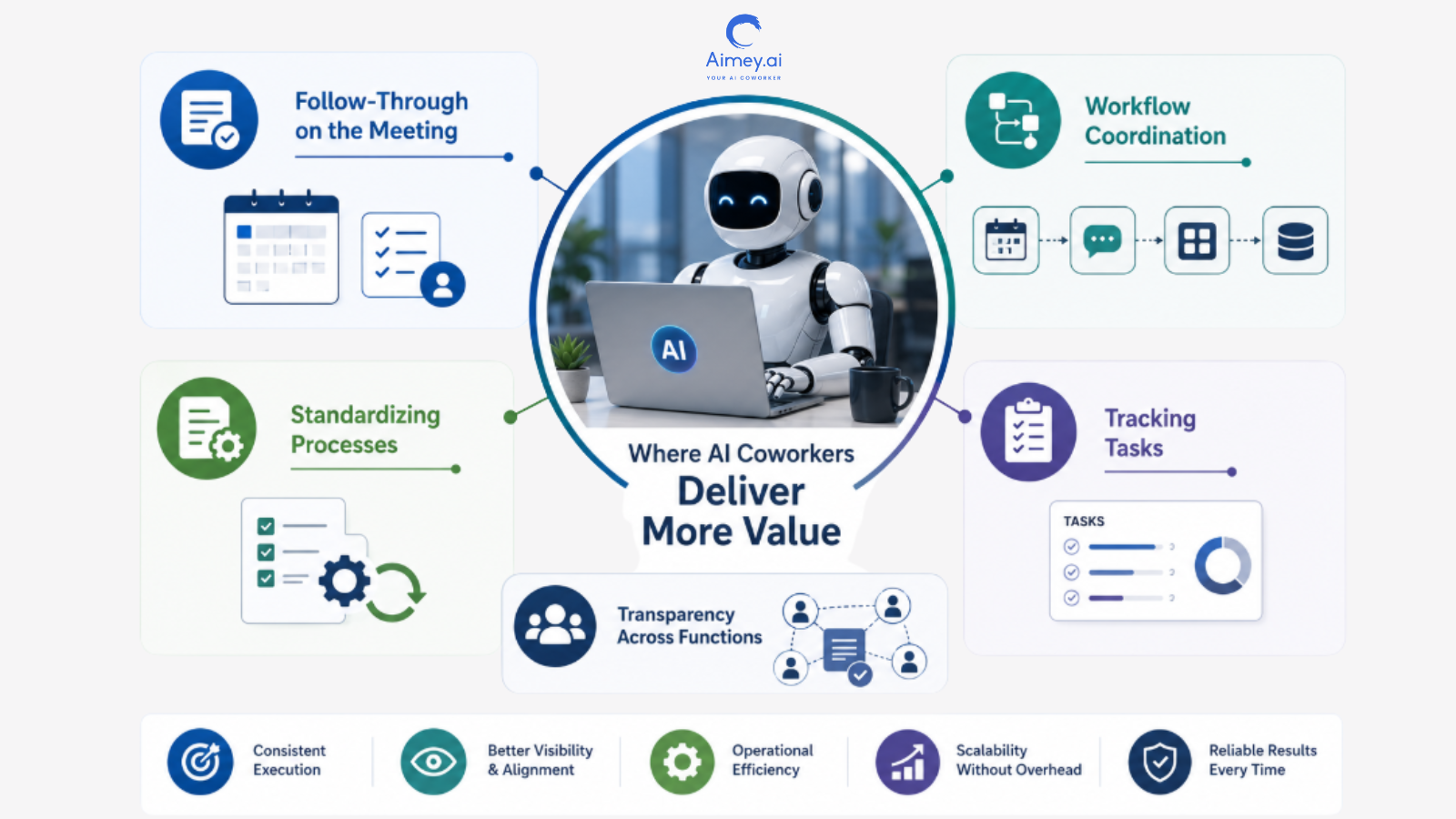
AI teammates excel where consistency, visibility and operational follow-through are needed. They help teams stay going, without the administrative burden.
Typical instances are:
1. Follow-Through on the Meeting
After each meeting, an AI co-worker can take notes, note action items, assign owners, and track progress.
2. Workflow Coordination
Tasks often hop from project tools to calendars to communication tools to business systems. An AI co-worker links those workflows.
3. Standardizing Processes
Teams thrive on consistent documentation, systematic updates, and repeatable processes. AI processes help keep consistency across departments.
4. Tracking Tasks
Teams thrive on consistent documentation, systematic updates, and repeatable processes. AI processes help to ensure consistency between departments.
5. Monitoring Work Until Completion
AI co-workers continue tracking progress after the meeting ends. They can identify overdue actions, surface stalled work, and remind owners before deadlines slip.
6. Transparency across functions
Projects tend to have more than one team. AI colleagues help keep information consistent across teams and eliminate status-chasing.
What Works at Each Business Stage
The ideal combination of human support and AI depends on the volume and complexity of the job being performed in the business.
1. Small Businesses
Begin with an AI co-worker.
Most teams at this point do not require further administrative support. They need support with taking notes for meetings, tracking tasks, doing follow-ups, and day-to-day coordination. An AI co-worker can do much of this at a fraction of the expense of employment.
2. Growing Businesses
You’ve probably come to the realization that workflow automation isn’t the answer anymore.
Projects attract more stakeholders, consumer communication increases, and the operational responsibilities become harder to manage. This is where a virtual assistant may help with coordination and follow-through. An AI co-worker can handle documentation, reminders, and task management.
3. Scaling Business
Use both.
The sheer volume of meetings, projects, and cross-functional activity sometimes exceeds what managers should be tracking by hand. The virtual assistant is centered on communication and coordination. The AI co-worker takes care of execution, follow-ups, and workflow visibility.
4. Larger Organizations
Embed AI in all important workflows.
At this point, the question is not AI co-worker vs. virtual helper. The question is: how can you divide up the job efficiently? AI co-workers handle boring operational work, and humans focus on decision-making, managing stakeholders and business priorities.
How Are AI Co-workers Changing Workplace Productivity
The first wave of AI in the workplace was largely about answering questions or doing one-off jobs. And that’s only the beginning. AI co-workers can do so much more. They link meetings, documentation, task management, and business systems, so work keeps moving forward without someone having to remind each step.
As AI takes over more of the full workflow, teams aren’t spending as much time chasing updates, switching between tools, or doing normal work. That provides the team with more time to make decisions, solve problems, and focus on customers.
What to Look for When Choosing an AI Co-worker
Not every AI tool is an AI co-worker. Some help you create content. Other people automate one task. An AI co-worker is supposed to help teams move work from one step to the next.
Here are a few things to consider:
1. Integrations with workflow
A tool is significantly more effective when it integrates with the systems your team already relies on. Look for interfaces with calendars, project management platforms, communication tools, and other corporate software.
2. Intelligence Conference
Meetings lead to choices, action items, and follow-ups. A successful AI co-worker should automatically collect those outcomes and convert them into something the team can act on.
3. Workflow Integration
AI co-workers are best when they have a sense of the world outside the task at hand. Find a platform that remembers past meetings, knows how work tasks connect, and saves related information in one place.
4. Task Ownership & Follow-Through
Tasks typically fall between the cracks when no one owns them. Find a solution that provides for assigning actions, tracking progress, and keeping work visible after the meeting concludes.
5. Visibility Across the Work
Managers shouldn’t have to hunt for updates across different tools. An AI co-worker should make it easy to observe what’s done, where it’s pending, and where attention is needed.
6. Security and Governance
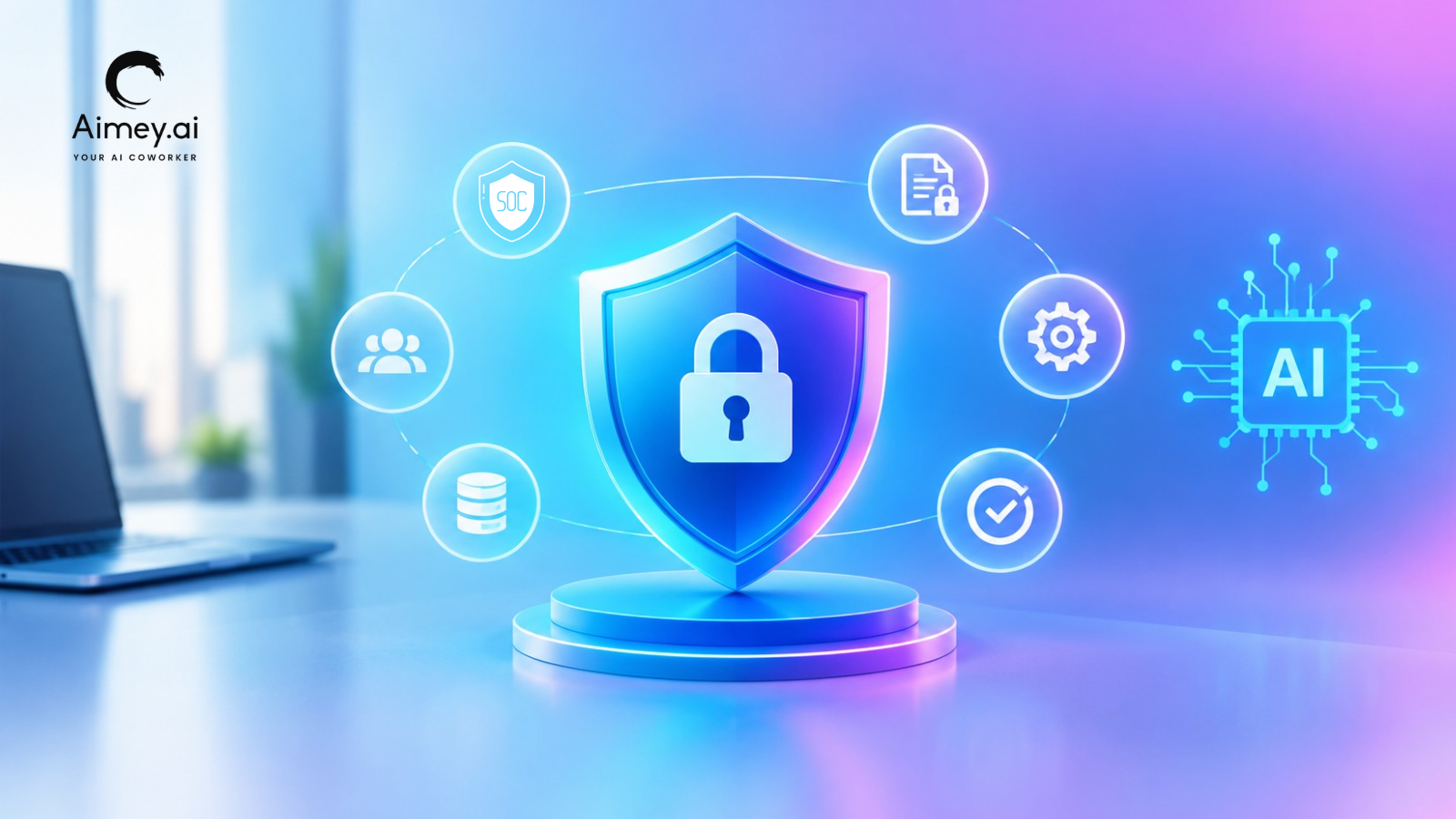
Security is crucial when AI has access to meetings, projects, and business data. Look for role-based permissions, access controls, audit logs, and compliance features that protect information and support responsible use.
The Real Cost Comparison
Monthly pricing rarely tells the full story. The better question is what each option can actually handle once meetings, follow-ups, task management, and workflow coordination enter the picture.
| Category | Virtual Assistant | AI Tools Only | Aimey AI Co-worker |
| Monthly Cost | $800–$1,600+ | $50–$200+ | From $19.99/user |
| Meeting Notes | Manual | Tool-dependent | Included |
| Task Tracking | Manual | Limited | Included |
| Follow-Ups | Manual | Limited | Automated |
| Workflow Support | Task-based | Tool-specific | Built-in |
| System Connectivity | Limited | Varies | Extensive integrations |
| Availability | Working hours | 24/7 | 24/7 |
| Scalability | Requires more hires | Depends on setup | Scales across teams |
A virtual assistant brings human support. AI tools automate specific tasks. An AI co-worker like Aimey brings automation, task management, meeting intelligence and workflow coordination together in one place.
To Sum Up
Virtual assistants and AI co-workers are different things. A virtual assistant helps people keep track of people, schedules, and communication. An AI co-worker keeps it all moving, handling the tasks, follow-ups, and workflow execution.
It all depends on where your team spends most of its time. Some businesses are better with human touch. Others need better process management. Many people like to do both.
Curious how an AI co-worker might save you time in your workflow? Book a quick demo with Aimey.ai. We review your team’s current work process, find repetitive tasks that can be automated, and show you how Aimey can help with meetings, action items, follow-ups, and day-to-day operations.
Frequently Asked Questions
Is an AI co-worker the same as a virtual assistant?
No. An AI co-worker performs complex, multi-step workflows and collaborates like a digital teammate, while a virtual assistant mainly responds to individual user commands and assists with routine tasks.
Can an AI co-worker replace a virtual assistant?
In many business scenarios, yes. AI co-workers can perform many tasks traditionally handled by virtual assistants while also managing broader workflows and providing deeper context-aware support.
Which is better for small businesses?
Small businesses that want to automate operations, marketing, customer support, and internal workflows may gain more value from an AI co-worker. Those seeking help with scheduling and administrative tasks may find a virtual assistant sufficient.
Are AI co-workers more expensive?
Costs vary depending on the platform and features. While AI co-workers often require a higher investment than basic virtual assistants, they can deliver greater productivity gains and long-term operational savings.