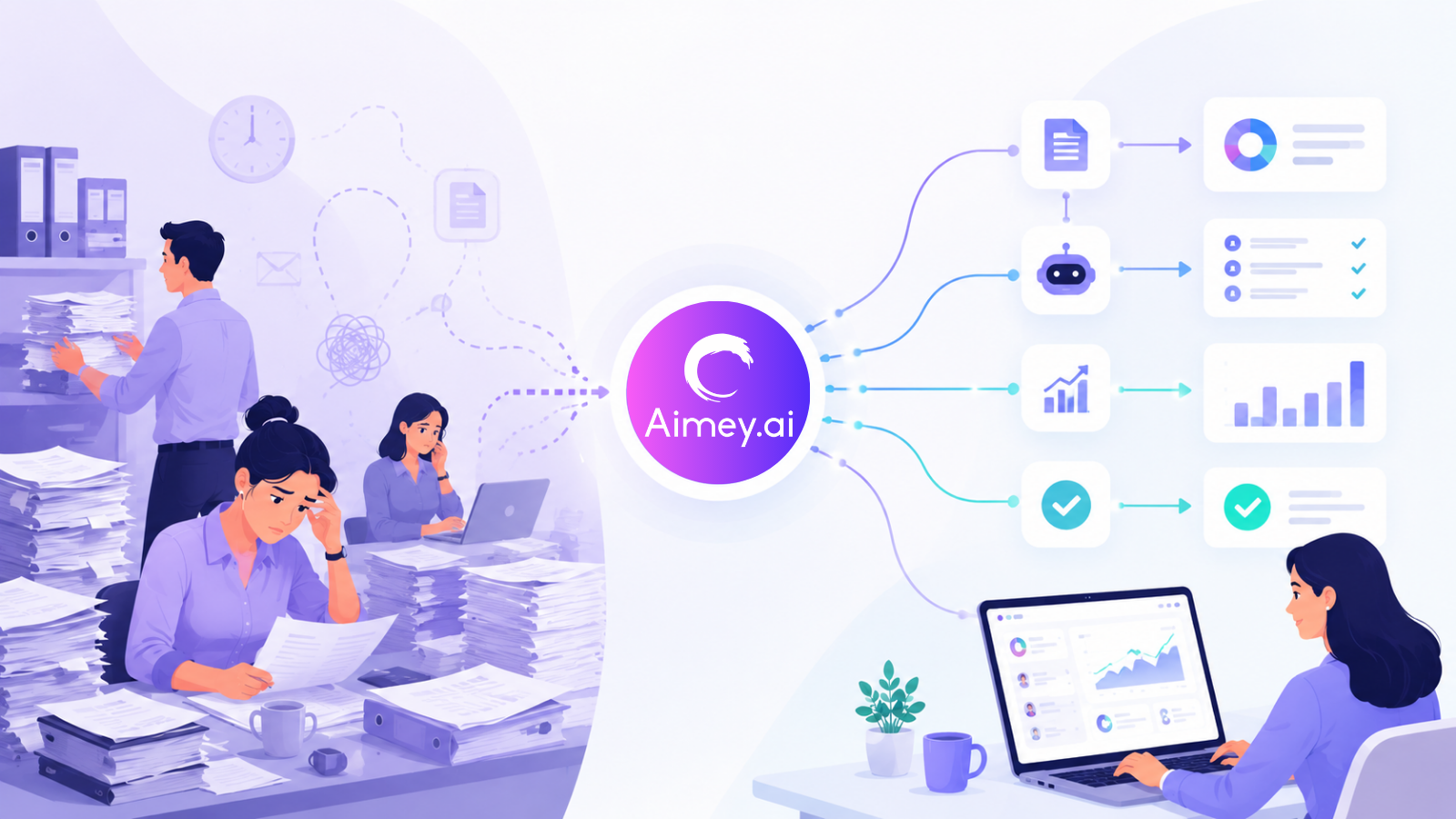
Manual work rarely looks expensive at first. A few follow-up emails, spreadsheet updates, status checks, approvals, calendar coordination, and data entry tasks seem manageable on their own. The problem starts when these tasks multiply across teams every single day.
For mid-sized businesses, this operational load builds quietly in the background. Teams spend hours moving information between systems, chasing updates, correcting errors, and repeating the same administrative work every week.
Research from McKinsey & Company estimates that employees spend close to 20% of their workweek searching for internal information or tracking colleagues for updates. That is a full day lost every week to operational friction.
In this article, we’ll look at the hidden cost of manual processes, why mid-sized businesses feel the pressure more than larger enterprises, and how AI automation helps reduce operational overhead across teams.
How Manual Tasks Affect Businesses
Manual tasks create operational friction across the business. Small actions like follow-ups, spreadsheet updates, status checks, and repetitive data entry consume more time than teams realize, especially as the company grows.
Here’s where the impact becomes visible:
- Time Gets Pulled into Administrative Work: Teams spend hours every week on updates, reminders, status checks, and repetitive coordination instead of high-value work.
- Approvals Move Slower: Manual follow-ups delay decisions. Tasks often sit in inboxes or chat threads waiting for someone to respond or escalate them.
- Errors Increase Across Workflows: Manual data entry and duplicated updates create inconsistencies across reports, schedules, customer records, and project trackers.
- Teams Lose Visibility: When work lives across spreadsheets, emails, meetings, and disconnected tools, it becomes difficult to track ownership and progress clearly.
- Employees Constantly Context Switch: People move between calendars, chat platforms, CRMs, spreadsheets, and task boards throughout the day. That constant switching reduces focus and slows execution.
This is why businesses now invest more heavily in manual tasks automation. The issue is no longer just productivity. It is operational consistency across the company.
Why Are Mid-Sized Businesses the Most Affected
Mid-sized businesses deal with operational complexity without the infrastructure that large enterprises usually have. According to Zapier, employees spend nearly 40% of their workweek on repetitive tasks like data entry, approvals, and manual updates.
Here’s where the pressure builds:
Lean Operating Teams Carry Cross-Functional Workloads
Operations, finance, HR, and project teams often manage overlapping responsibilities. Administrative overhead increases alongside delivery, reporting, and stakeholder coordination.
Process Visibility Starts Breaking Down
Informal workflows stop working once multiple departments depend on the same information flow. Teams lose visibility into ownership, dependencies, and execution status.
Manual Handoffs Slow Execution
Approvals, escalations, reporting, and follow-ups start depending on human intervention across every stage of the workflow. That creates operational bottlenecks.
Scaling Headcount Increases Operational Cost
Hiring more coordinators or administrative staff may increase throughput temporarily, but it does not solve the underlying process inefficiency.
This is where AI for mid-sized businesses becomes operationally valuable. Automation helps reduce coordination overhead without forcing teams to rebuild their entire operating model.
What AI Automation Means for Businesses
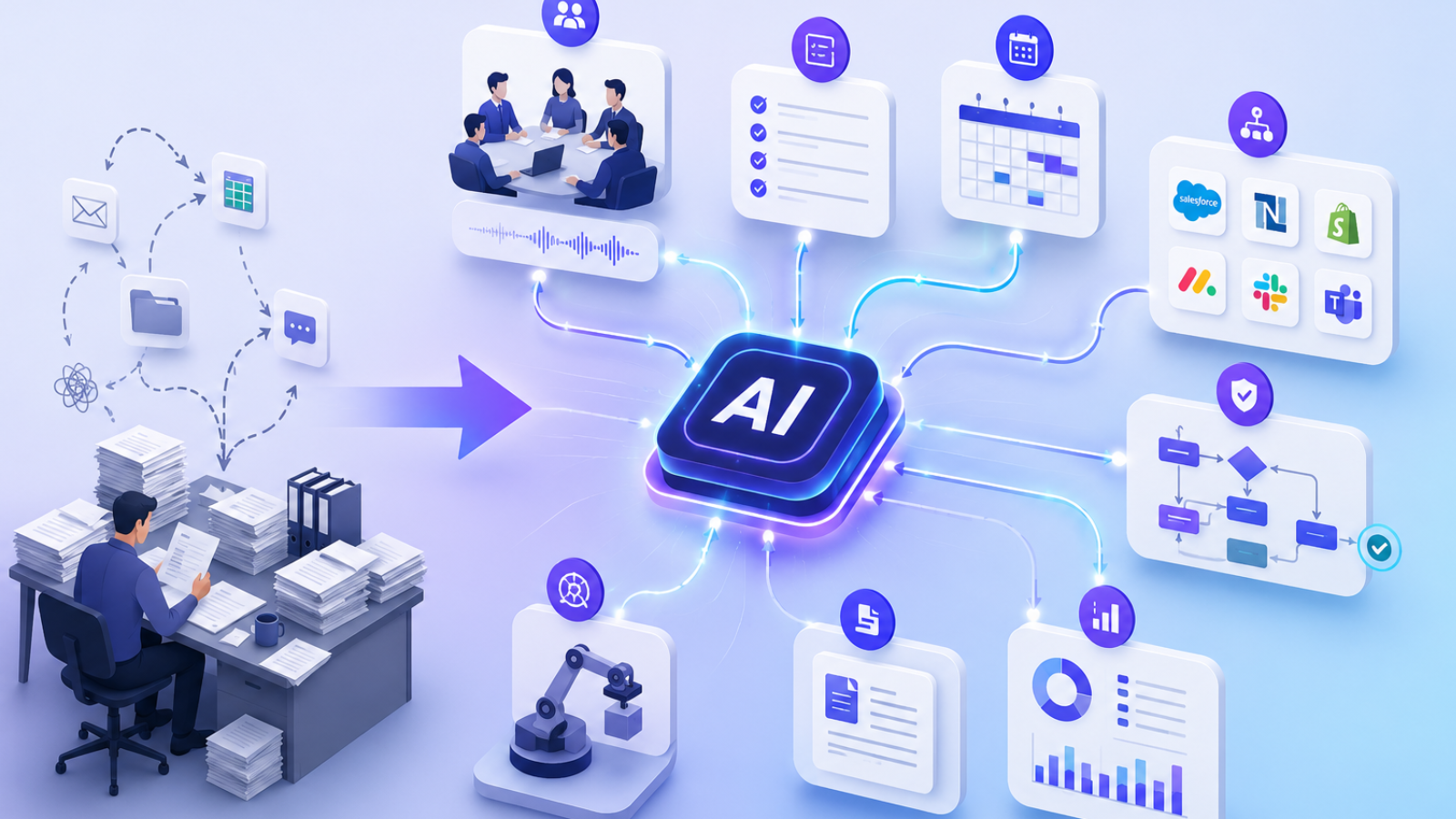
AI automation now handles far more than repetitive rule-based tasks. Businesses use it to manage workflows, coordinate systems, reduce operational latency, and improve execution visibility across teams. Gartner estimates that by 2026, over 80% of enterprises will use AI-enabled automation in operational workflows.
Here’s what AI automation looks like in practice:
- Meeting Intelligence and Follow-Through: AI systems can capture meeting context, extract action items, assign stakeholders, and initiate follow-up workflows without manual coordination.
- Cross-System Workflow Orchestration: Tasks, approvals, and updates can move between CRMs, ERPs, project platforms, calendars, and communication tools without operational handoffs.
- Approval Routing and Escalation Management: AI automation can monitor pending approvals, trigger escalation paths, and surface execution blockers before they affect delivery timelines.
- Operational Reporting: Instead of compiling updates manually across business systems, teams can generate workflow summaries and operational snapshots automatically.
- Administrative Process Automation: Scheduling, task tracking, documentation management, and recurring coordination workflows can run with far less operational overhead.
This is why businesses now invest more heavily in business process automation instead of standalone productivity software. The value comes from process continuity, execution visibility, and reduced coordination of friction across the operating environment.
Common Business Processes Companies Are Automating
Most mid-sized businesses struggle because effort gets consumed by repetitive operational work that rarely scales well. As teams grow, these recurring processes quietly multiply across departments and start slowing everything down.
Here’s where AI automation is being used most effectively in day-to-day business operations:
- Meeting notes and follow-ups: Instead of manually documenting discussions and chasing action items, AI systems now capture key points, assign tasks, and send follow-ups automatically.
- Task assignment and reminders: Work no longer depends on someone remembering to delegate or nudge. Tasks are distributed based on rules, priorities, and workload visibility.
- Invoice and approval workflows: Finance teams are reducing delays by automating invoice routing, approval chains, and payment tracking across departments.
- Customer support operations: Routine queries, ticket classification, and response suggestions are increasingly handled through AI-assisted workflows, reducing response time significantly.
- Internal reporting and status updates: Instead of manual compilation, reports are generated from live data across tools, giving leadership real-time visibility.
- CRM and project management updates: Data entry between systems is being replaced with automated syncing, ensuring customer and project records stay consistently updated.
Together, these use cases show a clear change. Businesses are no longer automating isolated tasks. With Aimey.ai, meetings, notes, tasks, reminders, and follow-ups flow automatically across Microsoft Teams, Outlook, Planner, To Do, and OneNote without constant human coordination. Schedule a demo to see how connected workflows can run with less manual effort.
How AI Automation Reduces Operational Costs
Operational costs in mid-sized businesses are often not driven by large expenses, but by accumulated inefficiencies. Small delays, repeated follow-ups, and manual coordination slowly compound into significant time and resource loss. This is where AI automation creates measurable impact.
Here is how AI automation directly reduces operational costs in practice:
- Less manual coordination: Teams no longer spend time chasing updates or aligning across departments. Systems handle communication flow automatically.
- Faster turnaround across workflows: Approvals, task handoffs, and updates move in real time instead of waiting in queues or inboxes.
- Fewer missed tasks and approvals: Automated reminders and rule-based workflows reduce dependency on memory or manual tracking.
- Better visibility across operations: Leadership gets a clear view of what is happening across teams without requesting manual status updates.
- Reduced dependency on repetitive admin work: Employees shift from data entry and coordination to higher-value execution and decision-making work.
When repetitive work is handled systematically, businesses reduce hidden operational friction that typically scales with growth.
What to Look for in an AI Automation Platform
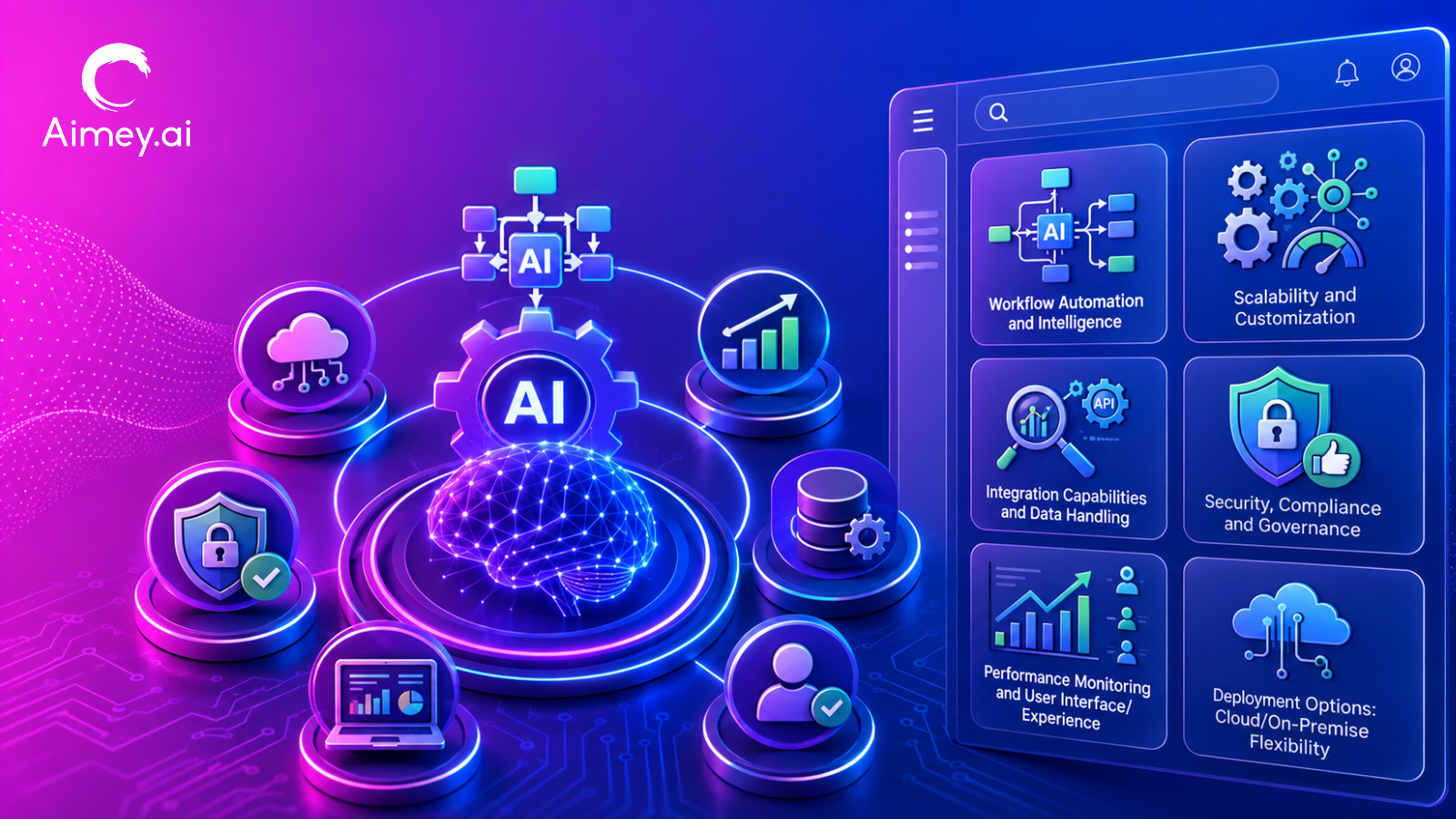
Automation decisions often fail at the selection stage, not during execution. The gap usually comes from choosing tools that don’t align with how teams operate, especially in mid-sized companies where workflows evolve quickly across departments.
Here’s what matters when assessing an AI automation platform:
1. Workflow integration across tools
The platform should connect naturally with existing systems like email, CRM, project management, and communication tools without forcing teams to change established working patterns.
2. Ease of setup for mid-sized teams
Deployment should not depend heavily on engineering bandwidth. Quick configuration and intuitive setup determine how fast adoption spreads across teams.
3. Task tracking and visibility
Clear ownership, real-time status updates, and dependency tracking help teams understand exactly where work stands without manual follow-ups.
4. Security and access controls
Role-based permissions and data governance become essential as automation expands across multiple functions and sensitive workflows.
5. Scalability across departments
The system should support operations beyond a single team, extending smoothly into finance, HR, sales, support, and project management.
6. Reporting and operational insights
Built-in analytics should surface workflow performance, delays, and efficiency gains rather than just tracking task completion.
The right platform integrates into daily operations instead of sitting alongside them, improving flow rather than adding another layer of complexity.
Common Mistakes Businesses Make with Automation
Gartner reports that nearly 50% of automation initiatives underperform due to weak process design and unclear operational mapping. Automation amplifies existing workflows, which makes foundational structure critical.
Here are the most common pitfalls:
- Automating broken processes: Inefficient workflows continue to stay inefficient even after automation. Speed increases, but structural problems remain unchanged.
- Adding too many disconnected tools: Separate systems create fragmented workflows, increasing coordination effort instead of reducing it.
- Ignoring workflow visibility: Without end-to-end tracking, teams lose clarity on ownership, status, and dependencies, leading to duplicated work and missed actions.
- Overcomplicating implementation: Complex setups slow adoption across teams and often lead to partial usage or abandonment.
- Treating automation as a one-time setup: Operational workflows evolve continuously, which requires ongoing refinement instead of a fixed configuration.
Effective automation strengthens clarity and structure first, then layers efficiency on top.
How Can Mid-Sized Businesses Start with AI Automation
Studies on operational efficiency show that organizations that begin with targeted automation pilots achieve adoption success rates nearly 2x higher than those attempting broad, company-wide rollouts from day one. The key is controlled expansion based on visible outcomes.
Here’s a practical way to start:
- Start with repetitive operational work: Identify tasks that happen daily or weekly with minimal variation, such as reporting, reminders, or approvals.
- Identify high-friction workflows: Focus on processes where delays, follow-ups, or handoffs consistently slow down execution.
- Focus on cross-team coordination first: Workflows involving multiple departments usually have the highest inefficiency and the biggest automation payoff.
- Measure time savings and execution improvements: Track how long tasks take before and after automation to quantify real operational impact.
- Expand automation gradually across departments: Once initial workflows stabilize, extend automation into adjacent processes instead of rebuilding everything at once.
This phased approach helps teams build confidence in automation while keeping operational disruption low and measurable.
Key Takeaways
Operational inefficiency rarely appears as a single issue. It accumulates through repeated manual work, follow-ups, and disconnected processes that grow with the business.
As teams scale, this slows execution, stretches decision cycles, and increases time spent on coordination instead of actual progress.
AI automation reduces this friction by handling repetitive operational work, improving visibility, and speeding up workflows without adding headcount. The focus shifts from doing more work to doing less manual coordination.
This is where Aimey.ai fits in. It helps mid-sized teams automate everyday workflows so work moves across tools and teams without constant manual tracking.
If your operations are starting to feel heavier with scale, it’s worth exploring how automation can simplify them. Explore Aimey.ai to streamline your workflows and reduce manual operational load.