Workplace AI tools still depend heavily on prompts. You ask a question, the system responds, and the interaction ends there. That setup works for quick requests, but it starts falling apart once work involves approvals, coordination, task ownership, and follow-through.
That is where the idea of an AI Coworker starts to matter. Instead of acting like a chatbot or writing assistant, an AI Coworker handles parts of the workflow itself. It can pull information from meetings, update systems, assign tasks, send reminders, and keep work moving across teams.
This explains why conversations around enterprise AI now go beyond copilots and chat interfaces. Companies want systems that can support execution, not just conversation.
In this article, we’ll look at what AI Coworkers are, how they work, how they differ from copilots and AI agents, and where they fit inside the enterprise AI stack.
What Is an AI Coworker?
An AI Coworker is a system that supports work across meetings, tasks, communication, and workflows. Unlike chatbots that respond to prompts, it works inside business processes and helps move work forward.
For example, an AI Coworker can:
- Pull action items from meetings
- Assign tasks to team members
- Update project trackers
- Send follow-ups and reminders
- Summarize project or team status
This is what separates AI Coworkers from traditional automation tools. Rule-based automation follows predefined instructions. AI Coworker work with context. They can understand discussions, identify decisions, and connect information across systems.
The term “coworker” is crucial because the system participates in the workflow instead of acting as a standalone tool.
AI Copilots vs AI Agents vs AI Coworkers: What’s the Difference?
The terms AI copilots, AI agents, and AI Coworkers often overlap, but they serve different roles inside a business workflow. First, let us understand what these do in brief:
AI Copilots
AI copilots support users in the course of task execution. They assist with content generation, questions, summarization, or decision support, but the user still runs the workflow.
AI Agents
AI agents can do tasks by following rules, context or predefined goals. They communicate with systems, start workflows, and carry out operational activities with minimal human intervention.
AI Coworkers
AI Coworkers work across workflows instead of just single tasks. Connect information, manage follow-through and support execution across meetings, systems & teams.
| Capability | AI Copilots | AI Agents | AI Coworkers |
|---|---|---|---|
| Primary Role | Assist users | Execute tasks | Support workflows across teams |
| How They Work | Respond to prompts | Act on goals and rules | Coordinate work across systems |
| Human Involvement | High | Moderate | Shared collaboration |
| Typical Tasks | Drafting, summarizing, answering questions | Updating systems, triggering workflows | Managing tasks, follow-ups, and coordination |
| Workflow Awareness | Limited | Context-aware | Workflow and team-aware |
| Enterprise Use | Productivity support | Process automation | Operational execution and collaboration |
What an AI Coworker Does
Coworker AI is built as an enterprise AI Coworker platform that connects communication, systems, and execution. It does not stay limited to answers or single-step automation. It helps move work from conversation to action across tools.
Here are the core components of Coworker AI:
Coworker Chat (company-wide knowledge layer)
Coworker Chat works as a copilot for the entire organization. You ask a question, and it pulls answers from connected systems like Salesforce, Slack, Jira, Confluence, Google Drive, HubSpot, and other enterprise tools. It does not rely on one source. It reads across systems to give one clear answer based on real company data.
Coworker Meetings (meeting-to-execution layer)
Coworker Meetings joins Zoom, Google Meet, and Microsoft Teams calls as a silent participant. After the meeting, it does the follow-through work. It generates summaries, pulls out action items, creates tasks, updates CRM records, and sends notes to the right stakeholders. The focus is simple: meetings do not end with notes; they end with execution.
Coworker Agents (autonomous workflow layer)
Coworker Agents are no-code autonomous workflows. You define a trigger and a set of actions, and the agent runs continuously. This can include daily account health checks, onboarding flows that track customer milestones, or competitive monitoring that updates internal insights. These agents handle repeat operational work without manual input.
OM1 – Organizational Memory (context and intelligence layer)
OM1 is the memory layer that connects everything. It builds a structured map of the organization across people, projects, relationships, commitments, and internal knowledge. It pulls signals across 120+ dimensions and keeps updating as new information flows in. This allows the system to understand context, not just isolated data points.
Why “Coworker” Is the Right Mental Model
People often hear AI assistant and imagine something that waits for instructions, replies, and stops there. That view does not match how work actually runs inside teams. Work moves across tools, people, and steps, and it rarely finishes in one action.
Here’s why businesses need an AI Coworker in their meetings:
- Work is a chain: A meeting leads to decisions. Those decisions become tasks, approvals, and follow-ups. An AI Coworker keeps that chain moving instead of letting it sit in notes.
- Work spans tools: Teams switch between email, CRM, project tools, chat, and docs. Context gets lost in the handoff. An AI Coworker keeps that context connected across tools.
- Execution > answers: A chatbot gives answers. An AI Coworker turns answers into action. It updates tasks, flags gaps, and nudges the right people when work slows down.
- Inside the flow: It does not sit outside the system. It works inside the team flow and helps push work through to completion.
Where AI Coworkers Fit in the Enterprise AI Stack
Enterprise AI stacks now include far more than chat interfaces. Companies use AI across operations, communication, analytics, customer support, documentation, and internal workflows.
A typical enterprise AI stack may include:
| Layer | Purpose |
|---|---|
| Communication Tools | Meetings, email, chat, collaboration |
| System of Record | CRM, ERP, HR, project platforms |
| AI Copilots | Writing, search, productivity support |
| AI Agents | Task execution and workflow automation |
| AI Coworkers | Coordination, follow-through, workflow continuity |
This is where AI Coworkers become useful. They connect discussions, tasks, systems, and follow-ups instead of operating inside one application.
What to Look for in an AI Coworker Platform
Every AI tool that automates tasks or answers questions does not operate as an AI Coworker. Many tools rely on light integrations or single-app automation, which is not enough for real enterprise work. A true AI Coworker needs to sit across systems, respect governance, and support execution at scale.
Here are the core things to look for:
- Native integrations (not connectors): It should connect directly with tools like CRM, project systems, email, chat, and data platforms with real read and write access. Basic webhook or Zapier-style flows are not enough.
- Permission-based access: It should follow existing role permissions. Users should only see and act on data they already have access to.
- Audit trail for every action: Every AI action should be logged. You should know what happened, why it happened, and what data was used.
- Approval for sensitive actions: Some actions should not run fully on autopilot. Things like customer emails, CRM updates, or escalations should support approvals.
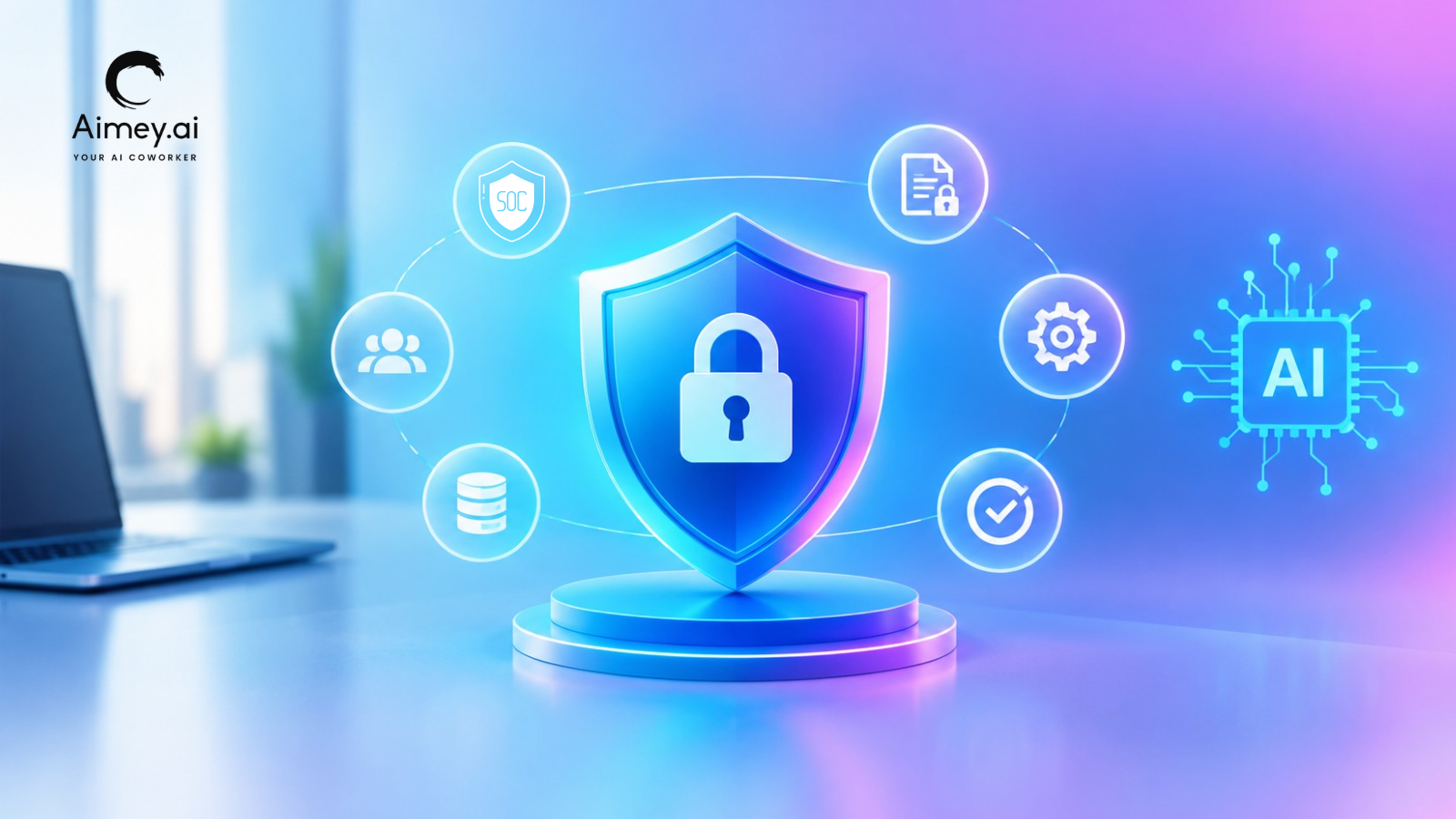
- Enterprise security standards: It should meet SOC 2 Type II and GDPR. Data use policies should be clear, especially around training and model usage.
Aimey.ai is $19.99/user/month and includes full access to Chat, Meetings, Agents, and OM1, with a fast POC and setup in a few business days.
How Aimey.ai Coworker Turns Meetings into Execution
Meetings are not the hard part. What happens after them usually breaks the flow. Notes sit in one place, tasks sit in another, and decisions lose momentum across tools.
Aimey.ai Coworker fixes this by connecting conversations directly to execution. It captures what is discussed, structures it, and moves it into real work across your systems.
Here’s how it supports the full cycle:
- AI Meeting Assistant: Joins meetings on Zoom, Google Meet, and Microsoft Teams. It understands context in real time and captures conversations without interrupting or relying on manual notes.
- AI Meeting Transcription: Creates accurate, real-time transcripts so every detail stays recorded, even in fast-moving discussions.
- AI Meeting Notes: Converts raw conversations into structured notes with clear decisions, action items, and responsibilities.
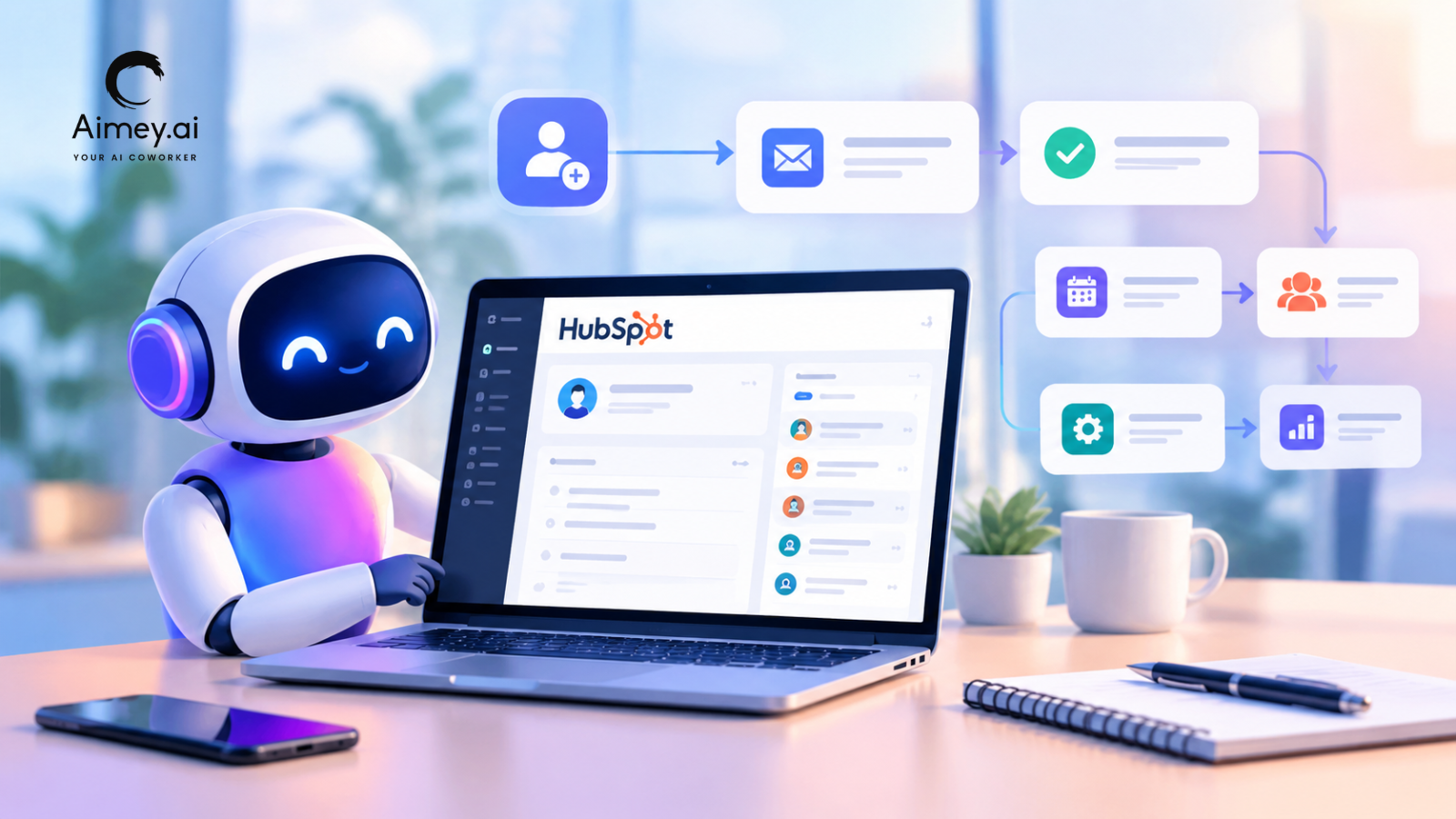
- AI Project Management: Turns discussions into tasks, assigns owners, and updates tools like Jira, HubSpot, and Microsoft Planner so work starts immediately after the meeting.
- AI Workflow Automation: Handles follow-ups, updates, and cross-tool syncing, so teams do not need to manually push work forward.
Clear meetings only matter when they lead to clear action. Aimey.ai Coworker ensures every discussion becomes structured decisions, assigned ownership, and tracked progress across your tools.
Get started with Aimey.ai and turn every meeting into execution without the manual overhead.
FAQs
1. How is an AI Coworker different from AI copilots and AI agents?
Ans. Copilots support work inside tools. Agents execute specific actions. An AI Coworker, like Aimey.ai, connects both across tools and workflows, so context moves from conversation to execution without breaking.
2. Where does AI Coworker automation sit in the enterprise AI stack?
Ans. It sits above copilots and agents. Copilots assist at the task level, agents run actions, and AI Coworkers connect communication systems, records, and workflows into one execution layer.
3. How does AI Coworker workflow automation work in practice?
Ans. It captures context from meetings, messages, and tools, then turns it into structured tasks. In Aimey.ai, this includes assigning owners, updating systems, and triggering follow-ups across CRM and project tools.
4. How is AI agent workflow automation different when used with AI Coworkers?
Ans. Agents handle execution. AI Coworkers define how that execution connects across systems. In Aimey.ai, agents operate within a shared workflow tied to meetings, tasks, and company context.
5. How do AI Coworkers work across multiple enterprise tools?
Ans. They connect directly with systems like CRMs, project tools, and communication platforms. Aimey.ai reads across these systems and keeps context consistent as work moves between them.
6. What are autonomous AI Agents in an AI Coworker system?
Ans. They are workflows that run on triggers without manual input. In Aimey.ai, these agents stay linked to organizational context, so actions align with ongoing work instead of running independently.