
How AI Can Automate QuickBooks, Invoice Creation and Finance Workflows
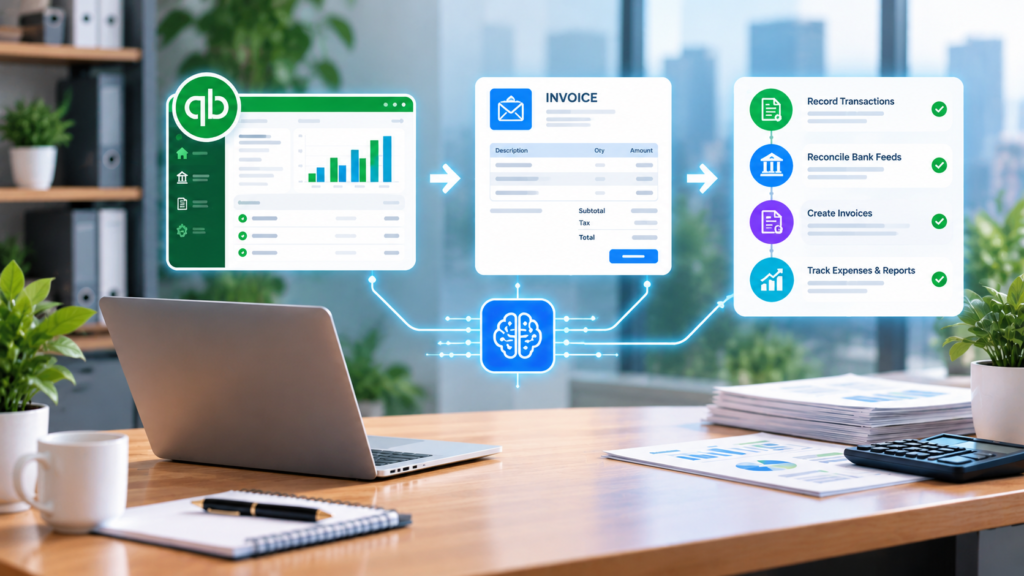
Finance teams rarely struggle because QuickBooks is missing features. They struggle because billing information lives in too many places at once. A project manager approves work in email. A salesperson updates the deal value in the CRM. Purchase orders arrive as PDFs. Hours sit in a spreadsheet. The billing terms are in a contract that accounting doesn’t see until month-end. The result is familiar: late invoices, duplicate data entry, inconsistent records, and finance staff chasing information instead of reviewing it. AI QuickBooks automation helps with exactly that. It doesn’t replace the accounting team. It gathers, extracts, routes, and syncs financial information across the systems you already use, so invoices go out faster, receivables move sooner, and approval controls stay intact. Why Finance Workflows Still Depend on Manual Work A single invoice can depend on a CRM record, a project milestone, an email approval, a contract, a timesheet, and a customer PO. QuickBooks only sees the end result. QuickBooks’ built-in automation handles structured work well: recurring invoices, bank rules for transaction categories, scheduled reminders, and bank feed matching. It struggles with unstructured instructions. Picture an email to accounts receivable that says, “Please invoice the remaining 50% after installation approval.” A person understands it immediately. A rule-based tool has nothing to trigger on. That’s the gap AI for accounting fills. It reads emails, documents, and approvals for operational context, then starts the right workflow. This matters because most finance delays happen before the data ever reaches the accounting system. What AI Adds to QuickBooks Automation AI is most useful as a workflow layer around QuickBooks, not a replacement for it. QuickBooks stays the financial system of record. AI moves information in and out of it more reliably. A platform like Aimey.ai can read incoming emails and attachments, extract billing details from contracts and POs, detect invoice triggers in CRM updates, run approval workflows, suggest payment matches, send reminders, and surface bottlenecks. Each of those steps either prepares work for a person or acts within limits a person has set. That’s the core principle here. AI accounting workflows remove repetitive handling, and financial judgment stays with the finance team. Practical Ways to Use AI with QuickBooks Can AI automate QuickBooks? In many areas, yes. The more useful question is which workflows benefit most. Creating Invoices From CRM Deals and Approved Work For many service organizations, invoicing is dependent on a sequence of steps. Sales closes the deal. Operations delivers. Approval arrives via email or slack. Finance creates the invoice by copying details from 3 systems. Or Aimey.ai may watch for the trigger instead. That may be a CRM deal stage changing to “Implementation Complete,” a project milestone being signed off, or a client acceptance email. It then takes in the billing details and approved pricing and prepares a draft invoice in QuickBooks for finance to verify before sending it out. Billing cycles are shorter, and fewer invoices are missed. Custom price, contested scope, tax treatment and odd terminology still require a person to check them. Extracting Billing Details From Contracts and POs Finance teams commonly examine contracts manually to identify the billing schedule, PO number, payment milestones, legal entity and net terms. AI can pull these facts out of contracts, statements of work, and POs and then check them before an invoice is generated. If a customer’s PO requires a reference number, department code or split invoicing, the process may identify what’s lacking up front, which means fewer rejected invoices. Accountants should still look at advanced contract language, multi-entity billing, and anything with revenue recognition implications. Keeping Customer and Vendor Records in Sync The billing address is updated in CRM but not in QuickBooks. Vendor updates tax details; no one tells finance. AI can watch email, forms, and CRM modifications and recommend corresponding changes across systems to keep CRM and accounting data aligned. It can also find duplicate vendors and missing tax IDs. Changes to vendor bank details should always be subject to specific approval. They’re a regular target for payment fraud. Categorizing Transactions Bank rules bring you to a consistent vendor but break when descriptions change. AI can recommend account mappings with a confidence score based on prior categorization, vendor history, and supporting documents. Routine stuff goes fast, while anything large, weird, capital-related or tax-sensitive goes to a bookkeeper. Using AI for Receivables and Finance Visibility Matching Payments to Invoices QuickBooks bank feed matching handles simple payments. It becomes more difficult if a customer pays part of an invoice, makes one transfer for three bills, leaves off the reference number or sends remittance details in another email. AI can examine quantities, client history, remittance emails and open bills to recommend the most likely matches, then send anything uncertain to an exception queue. Reconciliation is quicker, and staff time is spent on true differences, disputed balances and substantial changes. Automating Reminders and Overdue Follow-Ups Collections follow-up is important, and it’s usually the first thing dropped when finance gets busy. AI can run a consistent collections process based on invoice age, payment history, and contract terms, with escalation built in. For example: At 7 days past due, a friendly reminder goes out automatically. At 30 days, a review task is created for the finance team. At 60 days, leadership is notified, and someone decides on the next step. Because Aimey.ai can see the account’s history, reminders can reference the actual invoice and conversation instead of a generic template. Relationship decisions, like payment plans or disputes, stay with people. Finance Summaries and Bottleneck Detection Preparing reporting usually starts with pulling data from several systems. AI can bring together invoice activity, AR aging, payment trends, and approval delays into a regular summary for the controller. It can also follow the process across systems and show where it slows down: sales approvals that arrive late, POs missing references, project sign-offs that stall, and invoices that keep needing corrections. That’s visibility small finance teams rarely have time to build by hand. Final reporting and forecasting stay with