
How to Implement AI-Powered Backend Workflows for Business Operations
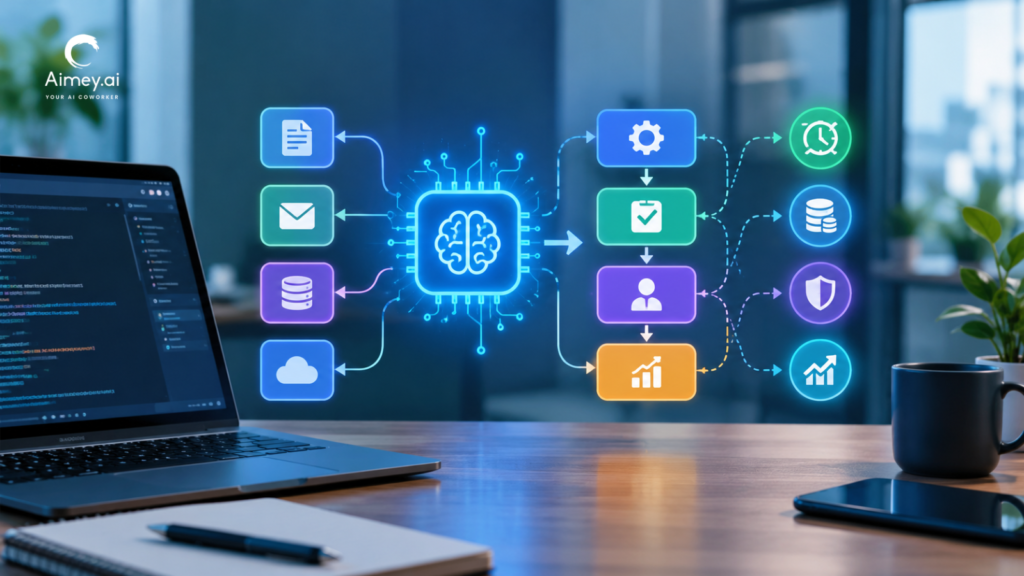
Companies rarely struggle because employees lack effort. They lose time to fragmented systems and the coordination work between them. Sales updates the CRM, finance waits for billing details, support needs account context, and operations copies information between spreadsheets, email threads, and internal tools. Traditional automation removed some of that work. But many processes still depend on someone reading an email, deciding where a request belongs, summarizing an update, or chasing an exception. AI-powered backend workflows take on that interpretation step. They go beyond simple “if this, then that” actions and coordinate operational work behind the scenes across several systems. This article explains how they work, where they fit, how Aimey.ai connects the systems involved, and what to put in place before scaling them. What Are AI-Powered Backend Workflows? AI-powered backend workflows combine rules, AI, APIs, and workflow tools to automate routine activities across diverse business systems. They work behind the scenes, so teams don’t have to continuously shuttle data between tools or manually pass work between steps. Some of the most typical instances are converting an incoming email into a record or task in a CRM or updating a finance system when a contract gets accepted, forwarding support queries or internal requests to the correct team, keeping data in sync across SaaS tools, and flagging approvals that have been sitting for too long. The primary distinction between backend automation and a chatbot or content generator comes down to one simple thing: it really accomplishes tasks. The idea is to remove repetitive coordinating labor from people’s plates, while keeping individuals involved when a decision, review, or accountability is needed. Why Traditional Automation Still Leaves Manual Work Behind Most organizations already automate with tools like Zapier, Make, Power Automate, or the workflows built into their SaaS apps. These work well with structured inputs and predictable logic: when a form is submitted, create a ticket; when a deal closes, notify finance. They break down when the input is ambiguous. A finance request arrives by email with half the details missing. A support issue needs to be understood before anyone knows where it goes. A CRM update conflicts with what’s in the billing system. A rules engine either fails or routes these to a person, and that person becomes the bottleneck. What AI Adds to Backend Workflow Automation AI adds four capabilities that rules alone don’t have. Reading unstructured data. It can pull structured fields out of emails, PDFs, spreadsheets, notes, and chat messages, so the rest of the workflow has clean inputs to work with. Context-based decisions. It can classify and prioritize requests based on what they actually say, rather than matching keywords. Cross-system coordination. It can carry one piece of work across a CRM, finance system, project tool, and knowledge base without anyone acting as the go-between. Exception handling. It can notice when something falls outside the normal pattern and escalate it, rather than failing silently. None of this replaces operational controls. It reduces the amount of interpretation people do by hand. Practical Examples of AI-Powered Business Workflows Email Intake and Task Creation In many operations teams, someone works through a shared inbox all day: reading each request, judging urgency, creating tasks, notifying the right team, and updating records. Aimey.ai can classify each incoming email, extract the details, and act on them across connected systems. A customer onboarding request, for example, can become an onboarding project with tasks in Asana or Monday.com, an updated account in the CRM, a billing-setup notice to finance, and an internal approval request. Requests are handled the same way every time. High-priority accounts, unusual requests, and incomplete submissions should still go to a person. CRM and Finance Synchronization When the CRM and accounting system don’t talk to each other, sales updates the deal, finance re-enters the billing details, and someone reconciles the inconsistencies later. A deal that reaches an approved stage in HubSpot or Salesforce with an orchestrated workflow can validate required billing fields, create a draft invoice in QuickBooks or NetSuite, update the subscription system and handoff to customer success. Contracts, pricing exclusions, and enterprise billing conditions have an approval checkpoint. Internal Request Routing Approvals for procurement, queries for HR, issues for IT, onboarding for vendors, and reviews for legal often wind up in the same general queue. AI is able to read the intent of each request instead of keyword rules, then route it to the correct process via email, Microsoft Teams or a helpdesk application. Fewer requests get to the wrong queue, and operations leaders can monitor where requests build up. Document and Form Processing In many companies, vendor documents, purchase orders, compliance submissions, and onboarding forms are still being examined by hand. AI can scan each file, validate needed data against business rules, identify what is lacking, and start the approval workflow. Compliance-sensitive items, or documents with low-confidence reads, are sent to a reviewer. Operational Reporting Leaders often spend hours gathering updates before a weekly meeting. Aimey.ai can pull activity from the CRM, project tools, support systems, and spreadsheets into weekly operations summaries, escalation reports, SLA exception alerts, and account health overviews. Risks show up earlier, and nobody has to assemble the report by hand. How to Design and Implement an AI-Powered Backend Workflow Many automation projects fail because they try to automate everything at once. Start with one friction point and build out from there. Pick a high-volume manual process. Good candidates involve repeated data entry, updates across systems, status chasing, manual routing, or recurring reports, and have a cost you can measure. Map what exists today: the systems involved, the decision points, the approvals, the exception paths, who owns the data, and what needs to be auditable. Skipping this step is how automation creates hidden risk. Decide where AI makes decisions. Use AI for classification, extraction, summarization, and prioritization. Use fixed, deterministic rules wherever a business rule must be followed exactly. Build in human-in-the-loop controls: approval thresholds, confidence-score reviews, manual escalation, role-based permissions, and audit logging. These matter most in